Two months ago Scrib Desktop went open source under the GPL-3.0. It shipped the encryption, the multi-tab editor, and the rich text mode. It did not ship a proper test suite, a CI pipeline, or airtight file-save semantics on Windows.
Scrib Desktop 1.2.0 fixes all three, plus a handful of smaller correctness issues that had been quietly annoying me since launch. This post walks through what changed, why each thing changed, and what it means if you're an existing user.
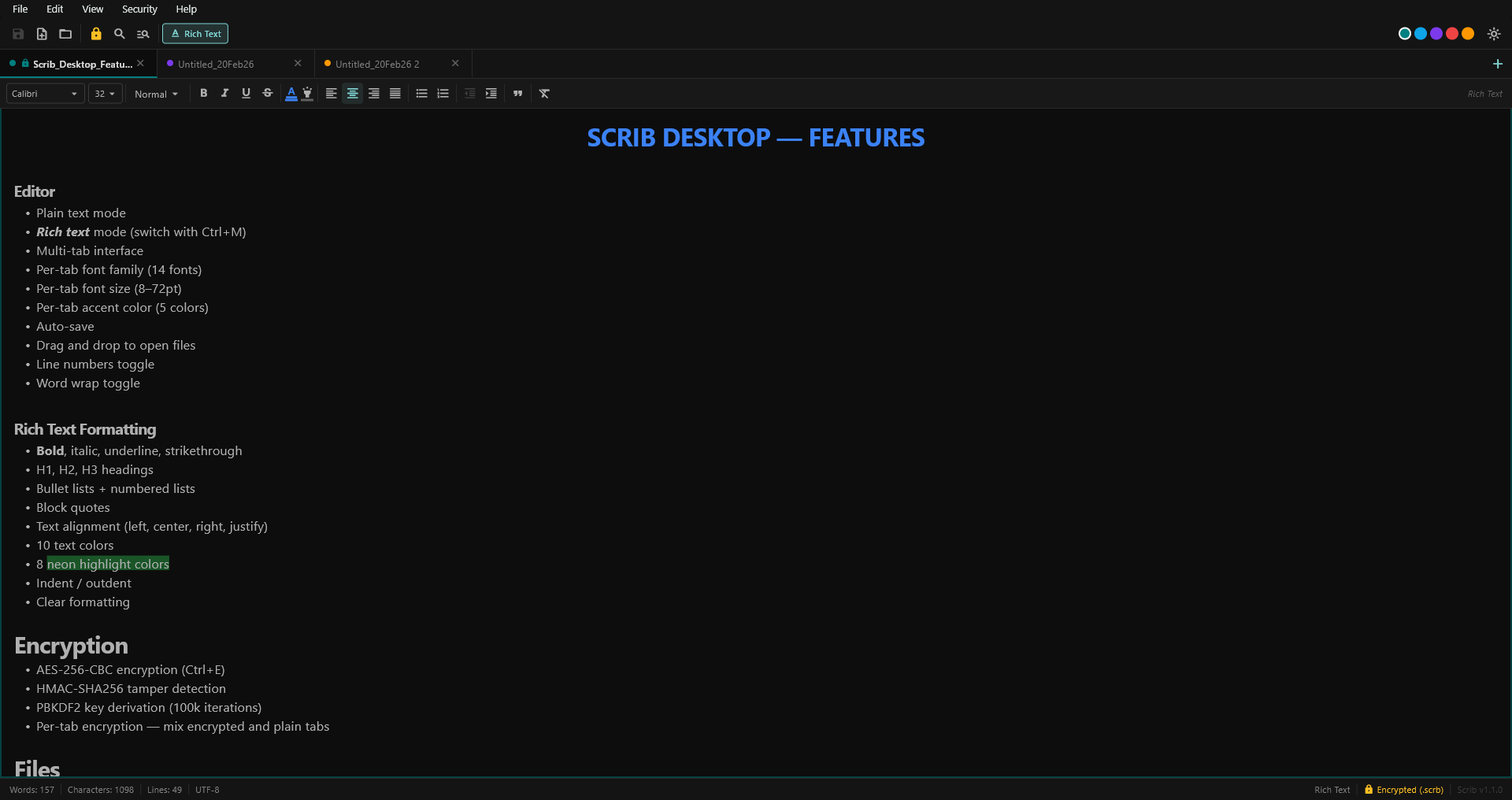
Scrib Desktop 1.2.0. Same editor, safer saves, better recovery.
Your files are safe (this is the important one)
Before anything else: upgrading will not lose your notes. The .scrb v2 file format (magic bytes, version byte, IV, salt, HMAC, ciphertext) is byte-for-byte identical between 1.1.x and 1.2.0. Every existing encrypted file decrypts with the same password, in the same way, producing the same plaintext.
This is locked in by an automated test that pins the exact header shape. Any future change that would alter the format has to either bump the version byte (triggering a migration) or fail CI. It's not a promise. It's a property the test suite enforces on every commit.
Your Hive settings. Window position, recent files list, font choice, theme, accent color. Also survive unchanged. The upgrade is drop-in.
Saves are now atomic on Windows
This was the biggest correctness bug in 1.1.x and the reason I wanted to do a hardening pass at all.
Every save in 1.1.x wrote a .tmp file and then tried to rename it over the target. On Linux and macOS, that rename atomically replaces the existing file. On Windows, Dart's File.rename() delegates to the MoveFile system call, which refuses to overwrite an existing destination. If you saved over an existing .scrb file, the rename failed silently and you were left with a stranded .tmp file next to the original. The original didn't get updated.
In practice this was intermittent. I couldn't always reproduce it, and the app didn't surface an error. But it meant that under some conditions, saving a file you thought was encrypted... didn't actually save it.
1.2.0 fixes this by calling MoveFileExW directly via dart:ffi, with the MOVEFILE_REPLACE_EXISTING and MOVEFILE_WRITE_THROUGH flags. That's Microsoft's documented atomic-replace primitive, the same one that file managers and professional editors use. If ffi can't load (a weird edge case: ReFS volumes, some mapped network drives), there's a pure-Dart fallback that renames the existing file to .bak, moves the temp into place, and only deletes the .bak after the primary rename succeeds. If the app crashes between those steps, your previous content survives at the .bak path.
On next launch, Scrib Desktop scans your default save directory and either restores .bak files where the primary is missing (reverse of an interrupted save) or deletes them if the primary is already there (the save succeeded before the crash, the .bak is stale). Orphaned .tmp files are cleaned up the same way.
The upshot: you can't lose a file mid-save anymore, even if Windows crashes while Scrib is saving.
Revert on accidental mode toggle
If you've ever pressed Ctrl+M in 1.1.x when you meant Ctrl+, and watched your formatted rich-text document get converted to plain text. Sorry. That was a destructive, one-way change in 1.1.x. The Delta was discarded and the undo history didn't cover it.
1.2.0 captures a one-step snapshot of the tab's content before the toggle and surfaces a SnackBar with a Revert action. One click restores the previous mode and content. The snapshot is cleared when you save the file (you've committed to the new format) or toggle again (only the most recent toggle is revertable).
The corresponding fix for plain text: Find & Replace now preserves undo history. In 1.1.x, Replace and Replace All overwrote the editor's text buffer and nuked the undo stack. Ctrl+Z didn't undo replacements. In 1.2.0, replacements go through TextEditingValue so each replacement participates in the normal undo chain.
Extension swaps now announce themselves
If you toggle encryption on a .txt file, Scrib Desktop renames it to .scrb. If you toggle encryption off on a .scrb file, it renames it to .txt (or .rtf if you're in rich text mode). That's the correct behavior, an encrypted file has to have the right extension, but in 1.1.x it was silent. You'd press Ctrl+E, save, and any shortcut or sync tool pointing at the old filename would be quietly broken.
1.2.0 surfaces a SnackBar after the rename so you know which path the file is at now. Small thing, but I've had two users tell me they lost track of a file because of this.
Test coverage went from 1 → 65
1.1.x shipped with one test: expect(true, isTrue). That's not a test, that's a placeholder that ensures the test harness runs.
1.2.0 ships 65 real tests, grouped as:
- 20 encryption tests. AES round-trip, HMAC tamper detection on the IV, salt, and ciphertext independently, wrong password, short file, magic-byte rejection, Unicode content, 1 MB+ files, fresh-IV-and-salt verification, and the byte-layout anchor that locks the
.scrbv2 header shape - 8 atomic-write tests. Overwrite success,
.tmpcleanup on the happy path,.bakrestore on simulated crash, no-op on a clean directory - 15 RTF tests. Delta → RTF for bold, italic, underline, headings, lists, blockquote, and Unicode, plus
\\'hhhex escapes and round-trip integrity - 18 editor-provider tests. Tab lifecycle, mode toggle + revert, global search ranking, word/line counts on edge cases
- 4 settings and constants tests. MRU cap and dedup, crypto parameters pinned to documented values
More importantly: GitHub Actions CI now runs analyze + test + Windows release build on every push and every pull request. If anything breaks, it breaks in CI. Not on a user's machine.
Code cleanup that matters for contributors
If you've looked at the 1.1.x source, the biggest eyesore was main_screen.dart, a 1,256-line God widget that owned every dialog, the menu bar, the save decision tree, keyboard shortcuts, and the About dialog. 1.2.0 splits it into:
lib/dialogs/. Password, set-password, About, confirm, and custom-font-size dialogslib/services/file_operations.dart, the save/save-as decision tree withSaveResultreporting back extension changeslib/theme/scrib_colors.dart, aThemeExtensionthat consolidates ~8 hex literals that were duplicated across widgets
main_screen.dart went from 1,256 to 574 lines. Themes are now memoized per accent index, so switching tabs doesn't allocate a fresh ThemeData on every keystroke. The encrypt package was dropped (pointycastle was doing the actual work anyway), shrinking the dependency tree. Unused dev dependencies (hive_generator, build_runner) are gone.
None of this changes user-visible behavior, but if you've been thinking about contributing to Scrib Desktop, the codebase is a lot more navigable now.
Accessibility
1.2.0 adds Semantics widgets to every icon-only button in the toolbar, search bar, tab bar, and formatting toolbar. Windows Narrator (and other screen readers) now announce each button by name, for example "Save", "Close Untitled_17Apr26", or "Bold (toggled on)", instead of just reporting an unlabeled icon.
What I deliberately didn't do
A few things from my own post-1.1.0 review list got deferred because shipping them would have required a migration path for existing users. I'd rather ship them properly in a later release than rush them and risk breaking someone's notes:
- Encrypting the Hive settings box. Right now, your recent-files list and window position are stored in plain text under
%APPDATA%. Encrypting it would leak less metadata but requires a migration on upgrade, and I want to design that carefully. - Password-as-bytes rework. Dart
Strings are immutable and interned, so passwords can't truly be zeroed from memory the way you can zero a byte array. Fixing this properly means changing the password-dialog API. Documented honestly in the new threat-model section of the README. - RTF parser rewrite, the current parser is best-effort and can mangle Word-flavored RTF. There's no great Dart-native alternative yet. Added descriptive tests so when someone does rewrite it, there's a regression net.
Download and upgrade
- Grab
scrib-desktop-v1.2.0-windows.zipfrom the v1.2.0 release page - Extract anywhere (no installer)
- Run
scrib_desktop.exe
Your existing files and settings are untouched. If you want to read the full CHANGELOG or build from source, everything's on GitHub. Issues and PRs welcome.
Keep Reading
- Scrib Desktop Is Now Open Source: the original 1.1.0 announcement, how the encryption works, why Scrib Desktop exists
- Why Your Notes Need Encryption in 2026: what AES-256 actually protects against
- Best Private Notes Apps for Android: the Android-app landscape, if Desktop isn't quite what you need
- Is Google Keep Safe? What Google Can Read: the cloud-sync trade-off, spelled out
Scrib on Android
Looking for encrypted notes on your phone? Scrib for Android has AES-256 encryption, PIN lock, Private Vault, and works completely offline. No account required.